
Product Finder 3D Download
Does the product finder offer 3D downloads?
Yes, if you, for example, want to import a Wagner rotary actuator into your design as a 3D model...
...search for the right product via the product finder
- by direct entry (in the search field, magnifying glass icon)
- manual selection (using mouse clicks) or
- selected filter criteria (set filters)
the right product. Select it. Once you are on the product page, you will find a button that allows you to download the 3D file immediately (STP file, zipped).
Of course, you can also view the following there, also via buttons:
- brochure, technical data
- operating instructions
or even send us specific inquiries about this product.
The import process probably varies slightly depending on the CAD system.
Please note that the STP files do not contain any relationships. Therefore, moving parts may be represented as multiple units in the model (e.g., the stroke unit has 3 components: housing, guide shafts, and head).
These must first be assembled or centered in the CAD software so that they can be moved axially in the model).
In the image on the right, you will find recommendations for importing it as a volume model into the Inventor CAD software.

Read more
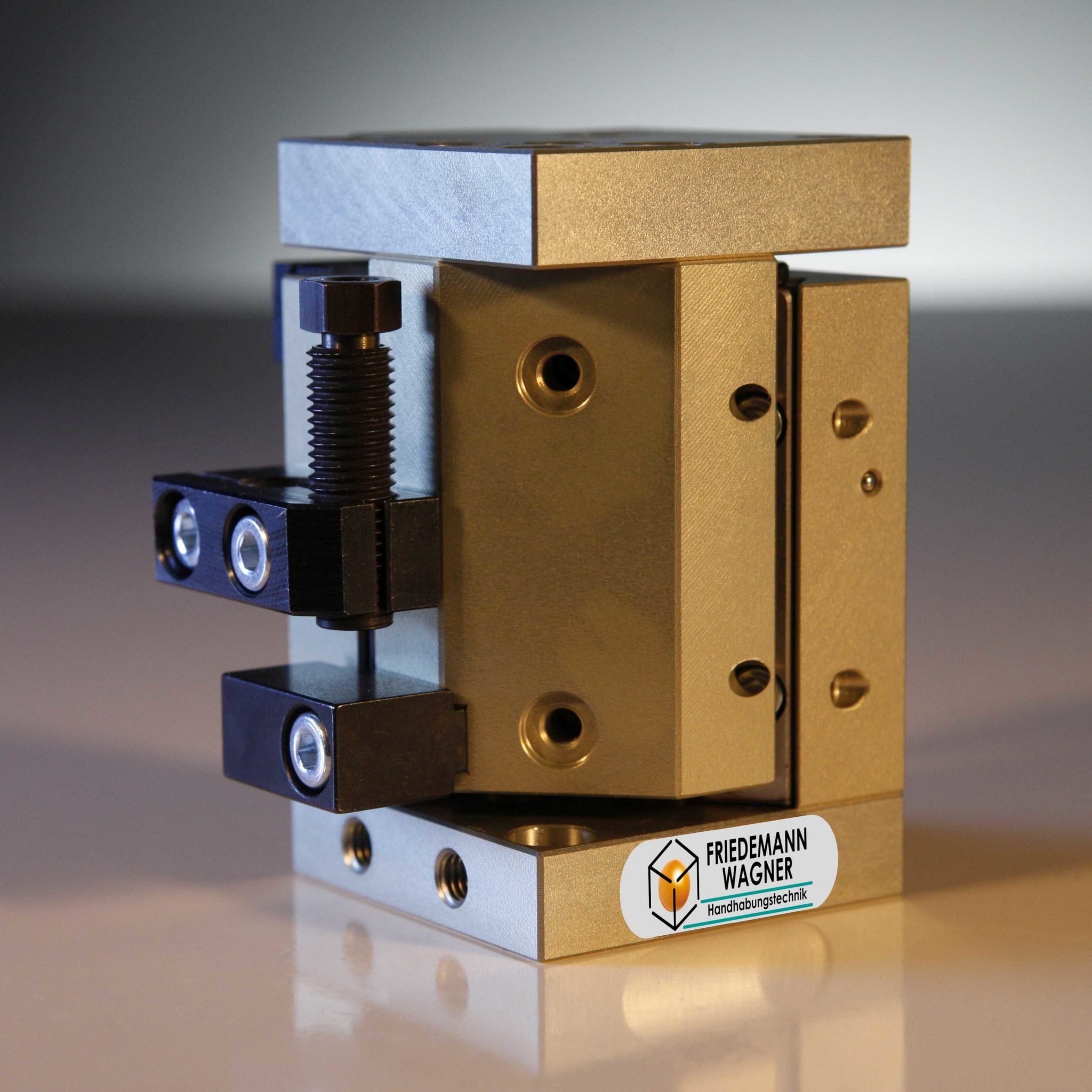
short-stroke cylinders by Friedemann Wagner GmbH
Small basic stroke of the module can be reduced further...
Read more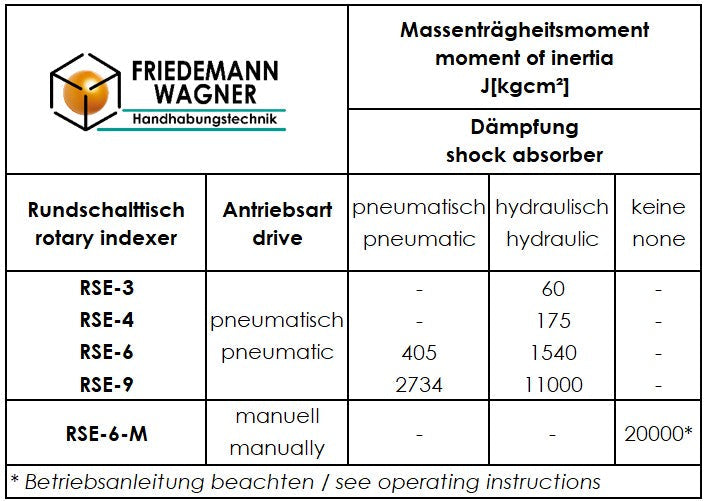
Rotary indexing table and moment of inertia
not only load is the essential topic, when choosing a rotary indexing table
Read more
Watch animations